
Disclaimer: This article is for informational purposes only and does not constitute financial advice. BitPinas has no commercial relationship with any mentioned entity unless otherwise stated.
📬 Get the biggest crypto stories in the Philippines and Southeast Asia every week — subscribe to the BitPinas Newsletter.
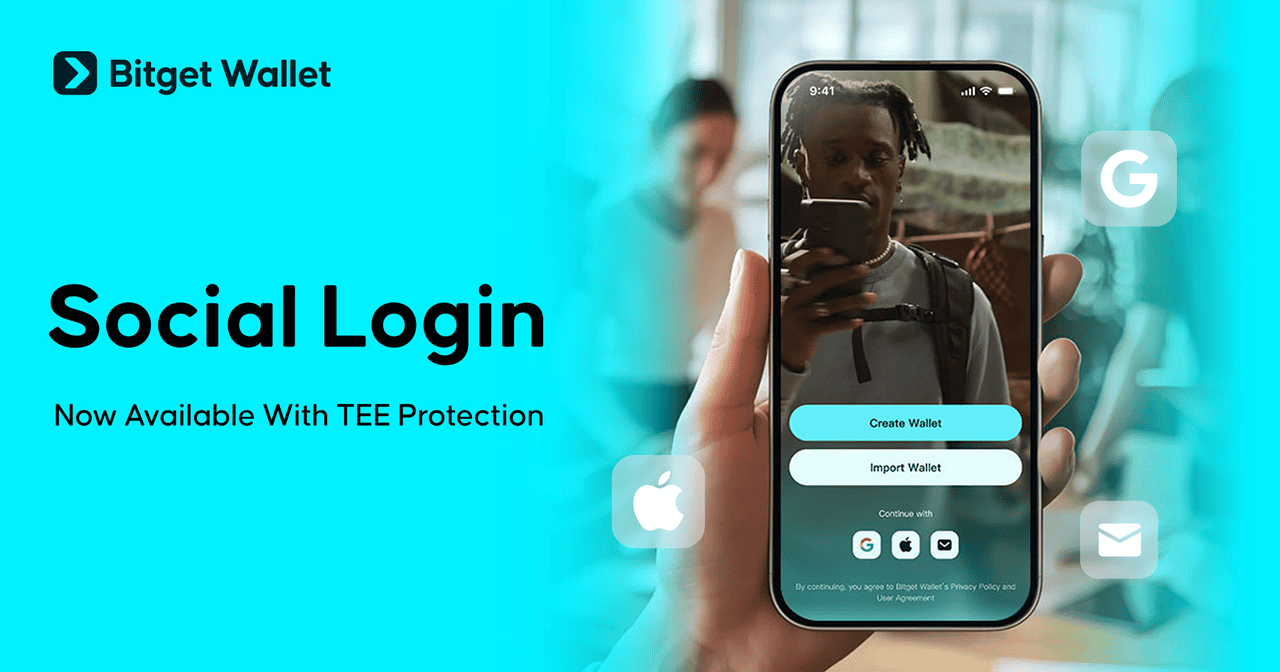
Bitget Wallet introduced a social login feature that allows users to create and access a self-custodial crypto wallet using Google, Apple ID, or email.
Social Log-in Now Live
In the media release, Bitget highlighted that the update removes the need for seed-phrase backups and aims to streamline onboarding for new users by offering an app-style login experience supported by hardware-based security.
“As digital assets move closer to everyday financial use, the hurdles are increasingly behavioral rather than technical. Most people understand logging into an app but not managing cryptographic keys. By combining social login with hardware-level protection in a mobile-first design, we’re bridging that gap and pointing toward a version of self-custody that feels familiar without giving up control.”
Jamie Elkaleh, CMO, Bitget Wallet
The company said the login system is protected by a Trusted Execution Environment, a secure hardware zone that isolates private key generation and signing processes from the rest of the device.
- Keys remain inaccessible to Bitget Wallet and never leave the protected area.
- Users can restore access on a new device by logging in again, with all key operations performed inside the TEE.
The rollout supports Ethereum, Bitcoin, Solana, Tron, Base, BNB Chain, Polygon, Arbitrum, and Morph at launch, covering transfers, swaps, payments, staking, and DApp access.
How it Works

Bitget Wallet’s system uses AWS Nitro Enclaves to maintain encrypted key material throughout its lifecycle. The company noted that, unlike MPC-based designs, its TEE approach keeps key operations on the device, reduces latency, and simplifies account recovery while maintaining self-custody.
- The media release noted that industry attempts at social-login wallets have been limited by hardware compatibility and the challenge of integrating authentication and recovery with secure key storage.
- Bitget Wallet noted that it is among the early platforms to pair social login with TEE isolation in a consumer-facing release.
In addition, Bitget Wallet said future updates will introduce email-based transfers, expanded recovery options, and additional network support.
How Log-in / Create an Account
Step 1: Install Bitget Wallet on your device (iOS, Android, or supported browser).
Step 2: Launch the app.
Step 3. Select one of the available login methods — e.g. your Google account, Apple ID, or an email address.
- If prompted, create a secure password (or follow the on-screen login flow as directed by Bitget).
Step 4: Verify account.
Once done, the wallet will be created with private keys stored securely in the device via hardware-level protection (Trusted Execution Environment / TEE), and you don’t need to manage or store a seed phrase manually.
Optional: Convert to a seed-phrase wallet (for advanced features)
If you later decide you want the traditional seed-phrase method — for broader compatibility, advanced networks, or importing to other wallets — you can convert your social-login wallet:
- Go to Settings > My Wallet > Convert to seed phrase wallet.
- After conversion, immediately back up the seed phrase that appears.
- Note that conversion is irreversible; the original social-login wallet will be deactivated.
This article is published on BitPinas: Bitget Wallet Rolls Out Social Login for Faster, Seedless Web3 Access
What else is happening in Crypto Philippines and beyond?
